

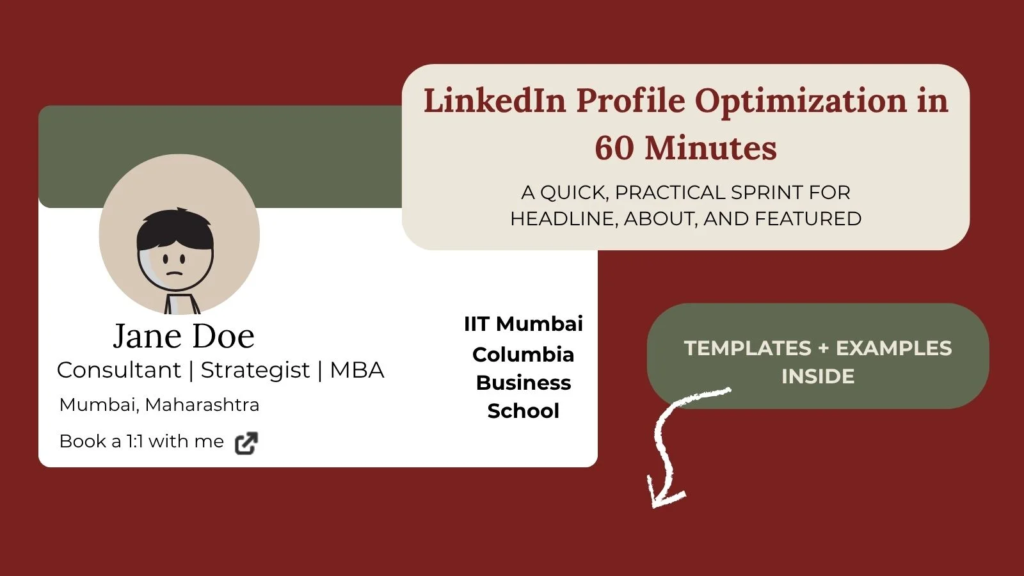
LinkedIn Profile Optimization in 60 Minutes: Headline, About, Featured — done
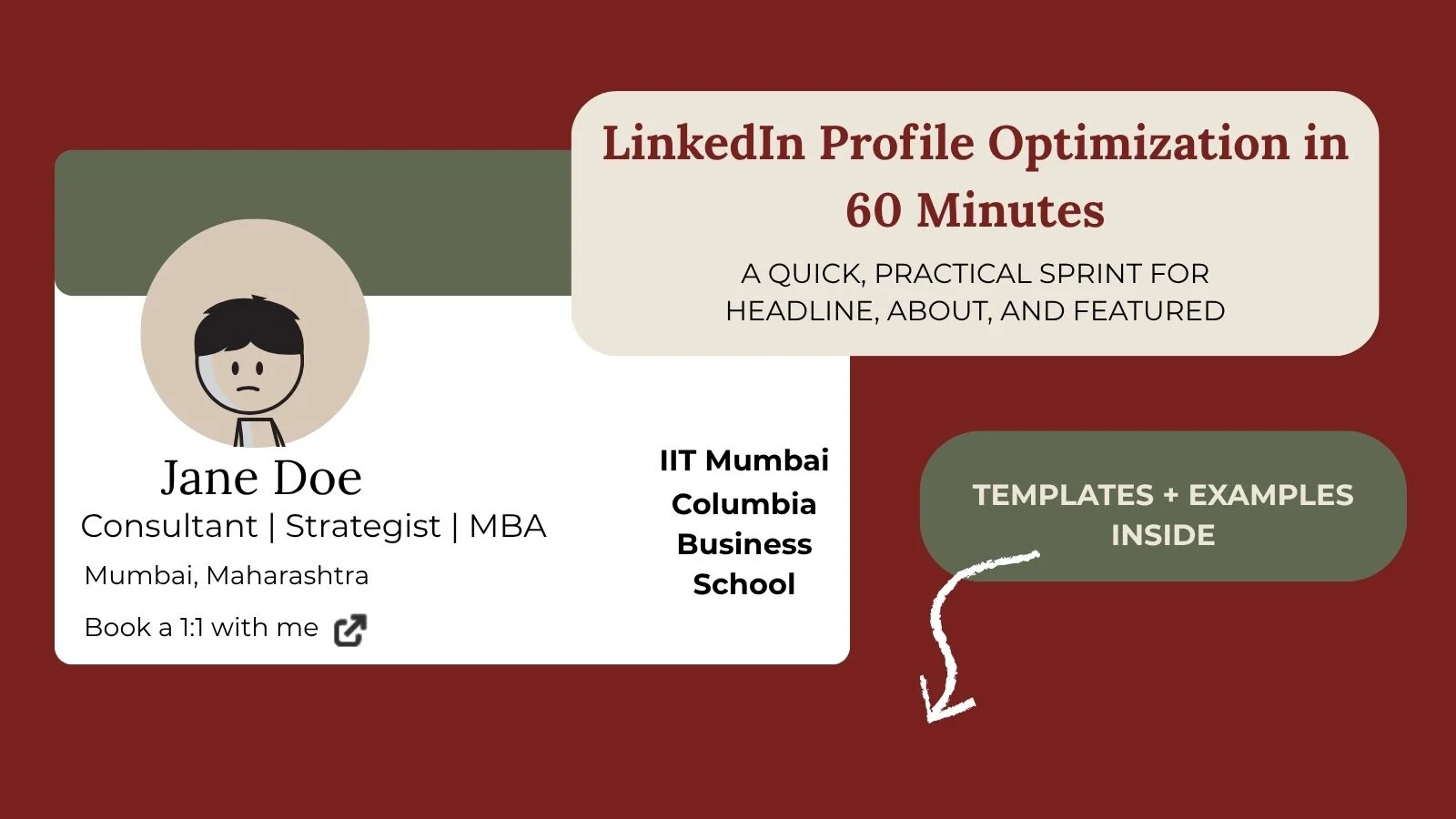
LinkedIn Profile Optimization: If you have been meaning to fix your LinkedIn but keep putting it off, this guide is for you. Below is a practical, step-by-step plan for LinkedIn profile optimization in 60 minutes. You will leave with a search-friendly headline, a clear About, a proof-driven Featured section, and quick wins that increase recruiter responses. If you prefer a guided session, you can book a LinkedIn profile review for personal feedback.
On this page
- What you will complete in 60 minutes
- The 60-minute plan
- Step 1: Clarify target and keywords
- Step 2: Write a recruiter-ready headline
- Step 3: Write your About
- Step 4: Curate the Featured section
- Step 5: Quick wins that matter
- LinkedIn profile tips for a career switch
- Copy-paste checklist
- Next steps
- FAQs
LinkedIn Profile Optimization: What you will complete in 60 minutes?
- A sharp, search-friendly headline with role-specific phrasing
- A clear, confident About using a LinkedIn About section template
- A proof-packed Featured section that highlights results
- Quick wins across Experience, Skills, Location, Open to Work
- Extra LinkedIn profile tips for career switch so your transition looks intentional
The 60-minute LinkedIn profile optimization plan at a glance
- 00–10 minutes: Clarify target role and keywords
- 10–25 minutes: Write your headline using the examples
- 25–40 minutes: Write your About with the template
- 40–50 minutes: Curate the Featured section
- 50–60 minutes: Tidy Experience bullets, Skills, Open to Work
Step 1: Clarify your target and keywords
Pick one primary target role, two at most. Open 5 to 10 real job descriptions and list 8 to 12 recurring keywords. Examples to pull from postings: Product Manager, Growth Manager, Strategy, Operations, Analytics, Healthtech, Fintech, SaaS, SQL, experimentation, cohort analysis. You will use these keywords across your headline, About, Experience, and Skills.
Helpful reference: Use recruiter-facing keywords from real JDs. For platform specifics, see LinkedIn’s guide: Improve your visibility to recruiters on LinkedIn.
Step 2: Write a recruiter-ready headline
Your headline should say what you do, for whom, and your edge. Keep it skimmable. Structure: Role | Industry | Edge + proof.
Best LinkedIn headline examples for [role]
- Product Manager (Healthtech) – Product at Healthtech | Ex-Consultant | Clinical insight + data
- Strategy and Ops (SaaS) – Strategy and Ops | SaaS GTM | 0 to 1 launches, CAC payback wins
- Growth Marketer (D2C) – Growth at D2C | Performance and Retention | D90 lift, cost discipline
- Founder or Operator – Founder | GTM and Ops | Built revenue to ₹X | Advisor to seed startups
If you are changing careers, put the target role first. Your unique edge follows.
Step 3: Write your About (template and example)
Use this LinkedIn About section template. Keep it conversational and outcomes-focused.
Template:
I help [who] achieve [result] by [how].
Previously: [relevant highlights with outcomes].
Right now: [what you are building, learning, improving].
Strengths: [3 to 5 skills or tools relevant to the role].
Proof: [links to projects, press, awards, case study bullets].
Open to: [target roles and locations].
Contact: [email or “DM me”].
Example (career switch to Product):
I help cross-functional teams create products customers actually use by pairing clinical insight with data-driven decisions. Previously: led market access projects for Fortune 500 life sciences clients; redesigned an intake flow that cut onboarding time 32 percent. Right now: product teardowns, a PRD for a healthtech idea, and a weekly usability sprint. Strengths: stakeholder management, prioritization, SQL and Sheets, experimentation. Open to: Product Manager roles in Bangalore, Mumbai, or remote. Contact: yourname@… or DM me.
If you want a quick storytelling primer, this HBR piece on how to tell your career story is a solid framework.
Step 4: Curate a proof-first Featured section
Your Featured should prove your claims quickly. Add three to four items in this order:
- Portfolio or Project: PRD, teardown, mini case study, or demo
- Outcome: concise win or metric screenshot
- Credibility: talk, article, award, or press
- Call to action: link to portfolio or booking page
New to Featured? Here is LinkedIn’s official help page on adding and managing your Featured section.
Step 5: Quick wins that matter
- Experience bullets: Outcome → lever → context
“Cut onboarding time 32 percent by redesigning intake flow; partnered with engineering to launch v2 in six weeks.” - Skills: Add 10 to 15 role-relevant skills that match your target JD keywords.
- Location and Open to Work: Select exact titles and cities or remote.
- Custom URL and Photo:
/in/firstnamelastnameand a clean, friendly photo.
LinkedIn profile optimization tips for a career switch
- Lead with the destination. Put the target role in your headline and About.
- Borrow credibility from outcomes. Use metrics from earlier roles that map to the new role.
- Publish proof. Add one teardown, one mini case, one PRD or dashboard to Featured.
- Mirror language from target JDs. Tools, responsibilities, and outcomes.
- Keep it senior. Show initiative and polished artifacts.
Copy-paste checklist for LinkedIn profile optimization
- Your title and intro make it clear what your offering is
- Headline follows Role | Industry | Edge and uses target keywords
- About uses the template and ends with Open to plus a contact method
- Featured contains three to four clear proof links
- Experience bullets show measurable outcomes
- Skills match target JD keywords
- Open to Work, Location, Photo, and custom URL are set
Next steps
Book a free discovery call to find the best way to work together!
FAQs – LinkedIn Profile Optimization
Open 5 to 10 recent job descriptions for your target role on LinkedIn Jobs or iimjobs or Naukri. List 8 to 12 recurring nouns and tools such as SQL, GTM, cohort analysis, product analytics. Use these terms in your headline, About, Experience bullets, and Skills. For platform specifics, see LinkedIn’s guide on improving visibility to recruiters.
Lead with the destination role in your headline. In your About, show how outcomes from your past map to the new role. Add one or two proof items in Featured such as a teardown, PRD, or a small case study.
Three to four is ideal. Place your strongest proof first, then an outcome screenshot, then credibility such as press or a talk, and finally a link to your site or booking page. Here’s LinkedIn’s help page for the Featured section if you want step-by-step clicks.
If you are open to new roles, yes. List exact titles and locations to improve recruiter search match. If you prefer privacy, restrict it to recruiters only.